•
•
•
•
•
•
•

What OnePlus has said about ColorOS 17, optional upgrades, expected features and how to verify device eligibility before updating.
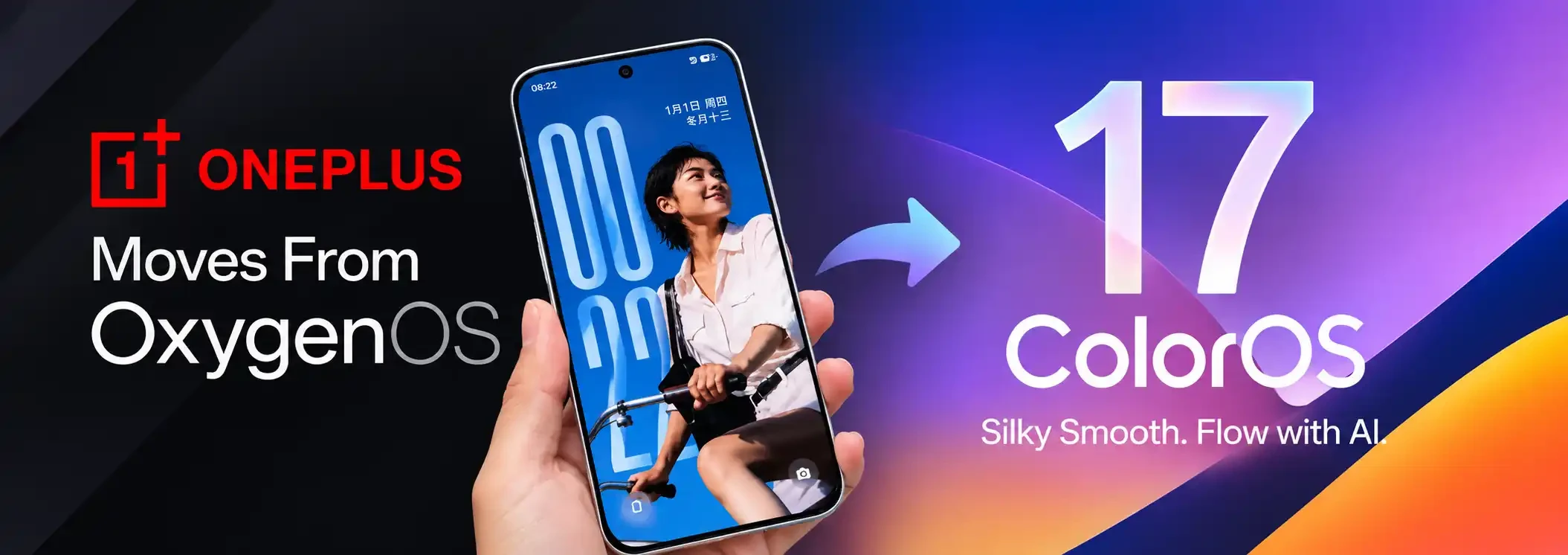
OnePlus users have questions about the company's move toward ColorOS, OPPO's software platform. The practical issue is not simply a new version number: users need to know whether their specific phone is eligible, whether the upgrade is optional, which features are included in their region, and whether they can return to their previous software.
OnePlus's published adjustment information says eligible existing devices will have the option to update to the latest ColorOS following its official release. It also says users who update will have a rollback option, subject to the versions and instructions announced at the time. This means users should not assume that every OnePlus phone will automatically switch or that all models share the same schedule.
OxygenOS is the software interface familiar to many OnePlus users, while ColorOS is associated with OPPO devices. The two platforms have shared technology and design influences over time, but branding, region, device support and feature availability can still differ. A platform announcement does not by itself establish that every OxygenOS device will receive an identical ColorOS build.
For buyers and current owners, the reliable source is the official notice for their exact model and region. Global, Indian and Chinese software versions can differ, and a feature shown in a launch presentation may not arrive on every handset.
Reports about the new software discuss performance architecture, system animations, AI-assisted tools, photo features and call protections. Treat feature names and performance percentages as claims that need to be matched against official release notes. Benchmarks reported by a manufacturer may use controlled conditions and may not represent everyday results on every device.
When reviewing an advertised AI feature, check four things: whether it is available on your model, whether it requires a supported language or account, whether it runs on-device or through an online service, and what data is sent to that service. AI functions can be region-limited or added after the initial release.
A rollout calendar published by a technology outlet is a useful guide, but it is not a guarantee that every phone receives the update on that day. Rollouts are often staged by model, region, carrier and software build. Beta access, stable releases and public availability are also different stages.
To check the status of your phone:
If your device is not listed in the official eligible-device scope, do not rely on a generic online rollout table.
OnePlus's official adjustment page says eligible users can choose whether to update to ColorOS, and that rollback may be available after updating. The exact rollback package, timing and conditions depend on future official announcements. A rollback can erase data or require specific steps, so do not attempt it using an unverified firmware file or tutorial.
Before updating, read the release notes and any rollback warning for your exact model. Back up photos, authenticator recovery codes, messaging data and other important files; confirm banking and work apps remain supported; and ensure the battery is charged and storage is sufficient.
The biggest day-to-day changes may involve interface design, system apps, privacy controls, AI tools and update support. Users should compare actual release notes rather than assume that a shared platform means every feature will be identical. If you depend on a specific feature, confirm it is included in the regional build before updating.
For new buyers, software support and update policy should be part of the purchase decision alongside camera performance, battery life, repair access and price. A promised feature list is less useful than a clear, model-specific update commitment.
The official notice says eligible existing devices will have an option to update. Eligibility and software details must be checked for each model.
That depends on the model, region and official upgrade scope. Check OnePlus's current support notice and the phone's software-update screen.
OnePlus has said a rollback option will be available, subject to future official details. Verify the method and supported build for your exact model before proceeding.
Not necessarily. Availability can depend on device, region, language, account and connected services.
The most useful way to understand the OxygenOS-to-ColorOS discussion is to focus on the official eligibility list and release notes for your particular phone. Treat third-party timelines and performance claims as provisional until OnePlus confirms them for your region. Back up your data and verify rollback conditions before making a major software change.
This article was authored and reviewed by Wipidia's technical editorial desk in Jalandhar, Punjab. Every code snippet, algorithm breakdown, and strategic framework is independently tested against live production standards before publication.