•
•
•
•
•
•
•

Smooth, animated navigation used to require a single-page app. Modern browsers can now do it natively — even on multi-page websites.
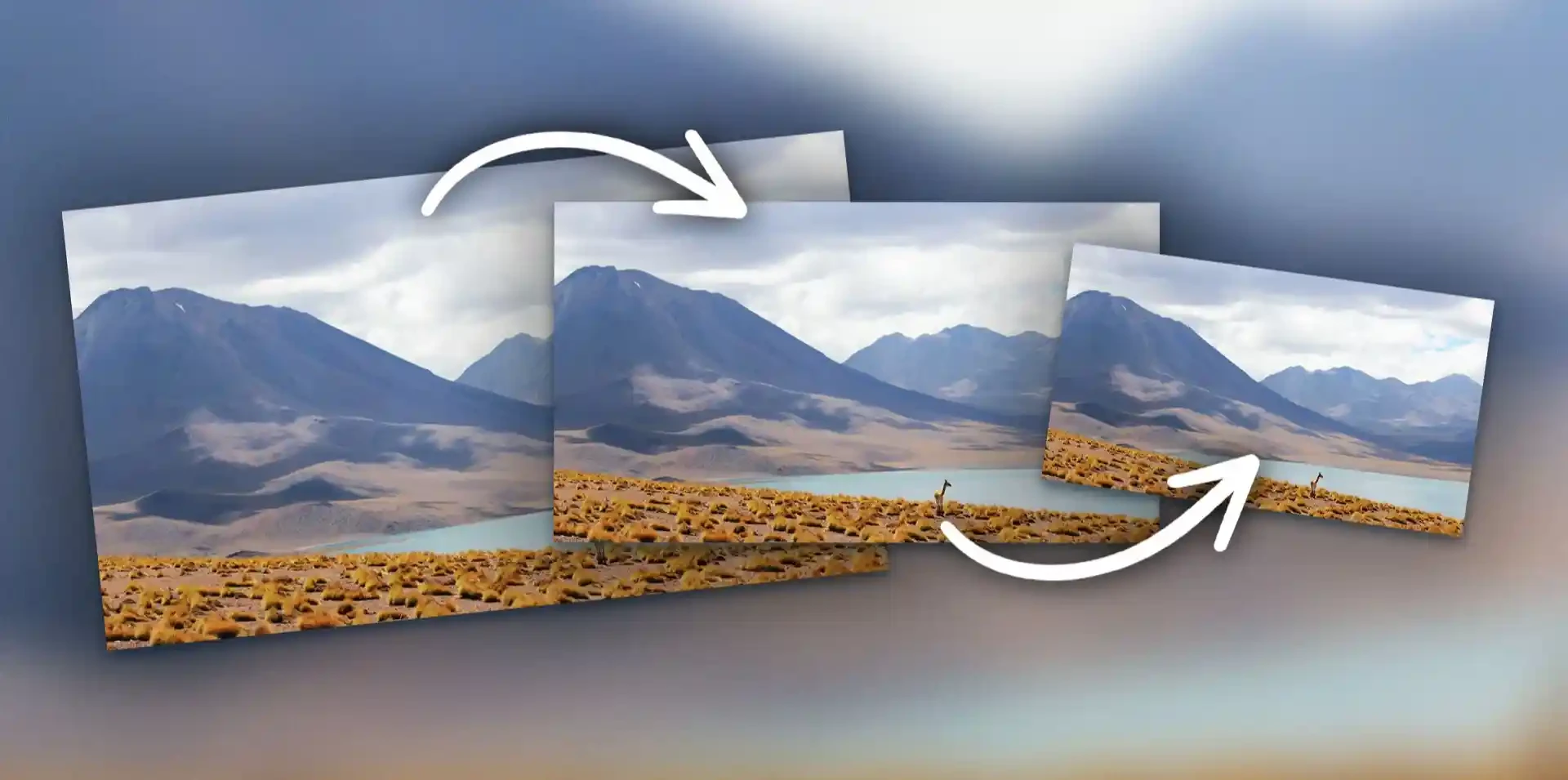
For years, one argument for building a website as a single-page application (SPA) was smooth transitions. Native mobile apps glide from screen to screen; traditional websites flash white and reload.
The View Transitions API changes that. It lets browsers animate between two visual states — or even between two separate pages — using mostly CSS. The result: app-like navigation with far less JavaScript.
The API works by:
By default, the browser performs a smooth cross-fade. You can customise it extensively.
Used when content changes within a single page — for example, filtering a product list or switching tabs. Triggered in JavaScript:
function updateView() {
  if (!document.startViewTransition) {
    renderNewContent();
    return;
  }
  document.startViewTransition(() => renderNewContent());
}Used when navigating between separate pages of the same origin — perfect for traditional multi-page websites, blogs and e-commerce sites. Enabled with CSS on both pages:
@view-transition {
  navigation: auto;
}
That single rule is enough to cross-fade between pages in supporting browsers.
The real magic comes from view-transition-name. Giving an element the same name on both states lets the browser morph it from one position and size to another.
.product-card img {
  view-transition-name: hero-image;
}

.product-page .main-image {
  view-transition-name: hero-image;
}
Click a product thumbnail and the image appears to grow smoothly into the product page's main image.
Rule: each view-transition-name must be unique on a page at any one time.
The browser creates pseudo-elements you can style:
::view-transition-old(root) {
  animation: fade-out 0.25s ease-out;
}

::view-transition-new(root) {
  animation: slide-in 0.3s ease-in;
}
Key pseudo-elements include ::view-transition-group(), ::view-transition-old() and ::view-transition-new().
Chromium-based browsers introduced same-document view transitions in 2023 and cross-document transitions in 2024, and support has since broadened across other major browsers. Always check current compatibility tables.
Because the feature is progressive enhancement, unsupported browsers simply navigate normally. Nothing breaks.
Some users experience discomfort from animation. Always honour their settings:
@media (prefers-reduced-motion: reduce) {
  ::view-transition-group(*),
  ::view-transition-old(*),
  ::view-transition-new(*) {
    animation: none !important;
  }
}Cross-document view transitions have a key SEO advantage: they work with real, separate URLs and server-rendered HTML. Search engines crawl normal pages, while users enjoy app-like navigation. That avoids many of the crawling and rendering challenges associated with JavaScript-heavy SPAs.
Great for:
Use with care for:
No. The API is built into browsers. Frameworks may provide helpers, but plain HTML, CSS and JavaScript are enough.
Well-designed, short transitions have minimal cost. Poorly designed ones with many named elements can add work, so test performance.
Pages navigate normally without animation.
Yes. Cross-document transitions are designed for traditional multi-page websites.
The View Transitions API is one of the clearest examples of the web platform catching up with native apps. With a few lines of CSS, multi-page websites can feel smooth and modern — while staying fast, accessible and search-friendly.