•
•
•
•
•
•
•

Passwords are the weakest link in web security. Passkeys replace them with phishing-resistant cryptography. Here is how they work and how to implement them.
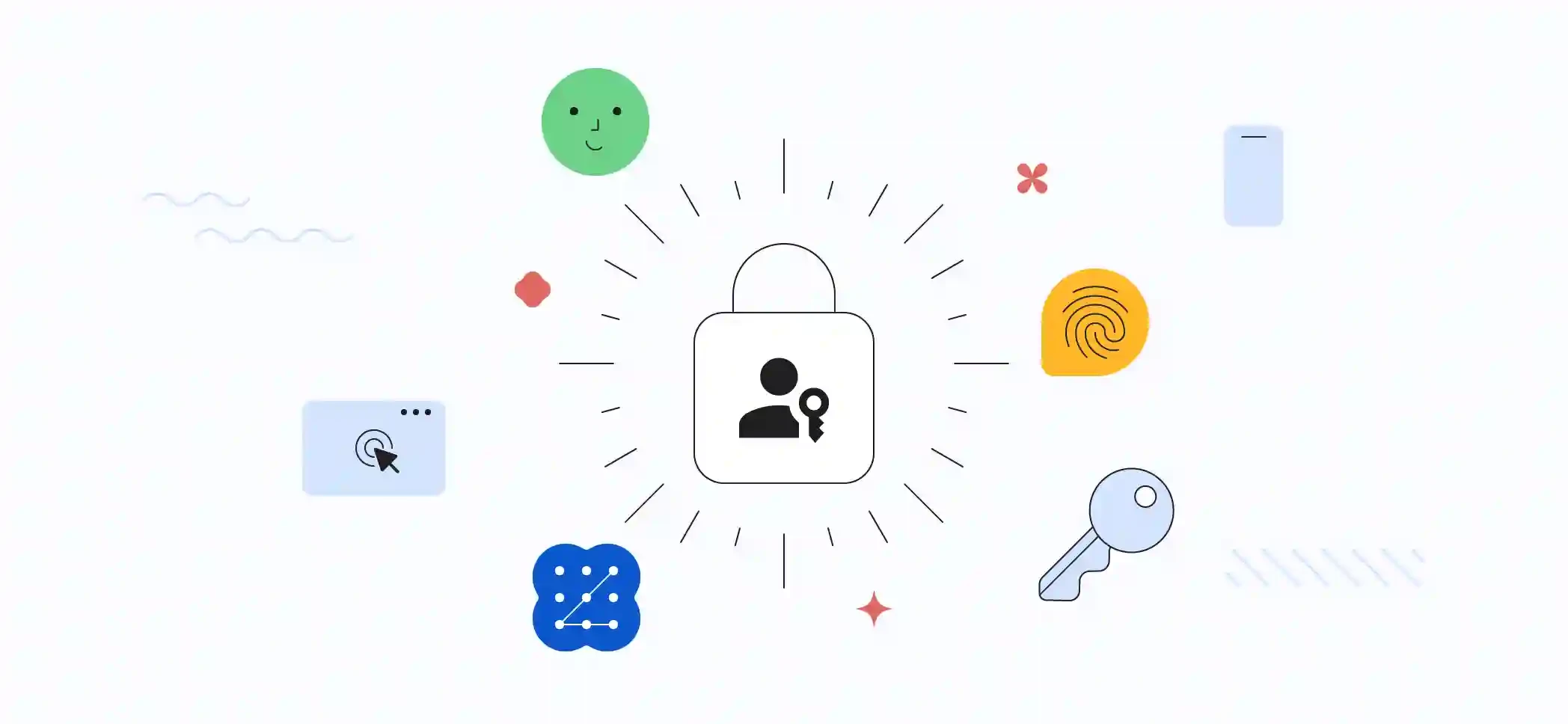
Stolen and reused passwords remain one of the most common causes of account takeovers. One-time passwords by SMS help, but they can be phished or intercepted.
Passkeys offer a better approach: sign-in that is faster for users and resistant to phishing by design. Major platforms, browsers and password managers now support them, making it practical for any website to adopt.
A passkey is a credential based on public-key cryptography, built on the FIDO2 standards and the Web Authentication (WebAuthn) API.
Your server never stores a secret that can be stolen and reused elsewhere.
Each passkey is bound to your website's domain. If a user is tricked into visiting a fake site, the browser will not offer the passkey for that domain. There is no code or password to type into a phishing page.
| Feature | Password | SMS OTP | Passkey |
|---|---|---|---|
| Phishing-resistant | No | No | Yes |
| Reused across sites | Often | N/A | Never |
| Server breach exposes usable secret | Yes (if weakly hashed) | No | No |
| User effort | Remember/type | Wait for SMS | Biometric/PIN |
| Cost | Low | Per-SMS cost | Low |
navigator.credentials.create()const credential = await navigator.credentials.create({
publicKey: {
challenge: serverChallenge, // from your server
rp: { name: "Example", id: "example.com" },
user: {
id: userIdBytes,
name: "user@example.com",
displayName: "Asha"
},
pubKeyCredParams: [{ type: "public-key", alg: -7 }],
authenticatorSelection: {
residentKey: "required",
userVerification: "preferred"
}
}
});
// Send credential to server for verificationnavigator.credentials.get()const assertion = await navigator.credentials.get({
publicKey: {
challenge: serverChallenge,
rpId: "example.com",
userVerification: "preferred"
}
});
// Send assertion to server for verificationAlways verify on the server using a well-maintained WebAuthn library rather than writing cryptographic checks yourself.
Conditional mediation lets browsers show available passkeys in the username field's autofill suggestions:
<input type="text" name="username" autocomplete="username webauthn">Combined with mediation: "conditional" in navigator.credentials.get(), users can sign in with one tap, without a separate "Sign in with passkey" button.
Passkeys reduce lost-password problems, but users still lose devices. Offer:
Biometrics only unlock the passkey locally. Your fingerprint or face data is not sent to the website.
Synced passkeys can be restored through the user's password manager. Websites should also provide secure recovery options.
Modern browsers and operating systems support passkeys, and cross-device sign-in lets users authenticate using a phone near their computer.
A passkey with user verification combines something you have (the device) with something you are or know (biometric or PIN), so it is itself a strong multi-factor method.
Passkeys are one of the rare security upgrades that also improve user experience. For websites handling accounts, payments or personal data, adopting them is one of the most effective steps available to reduce phishing and account takeovers.